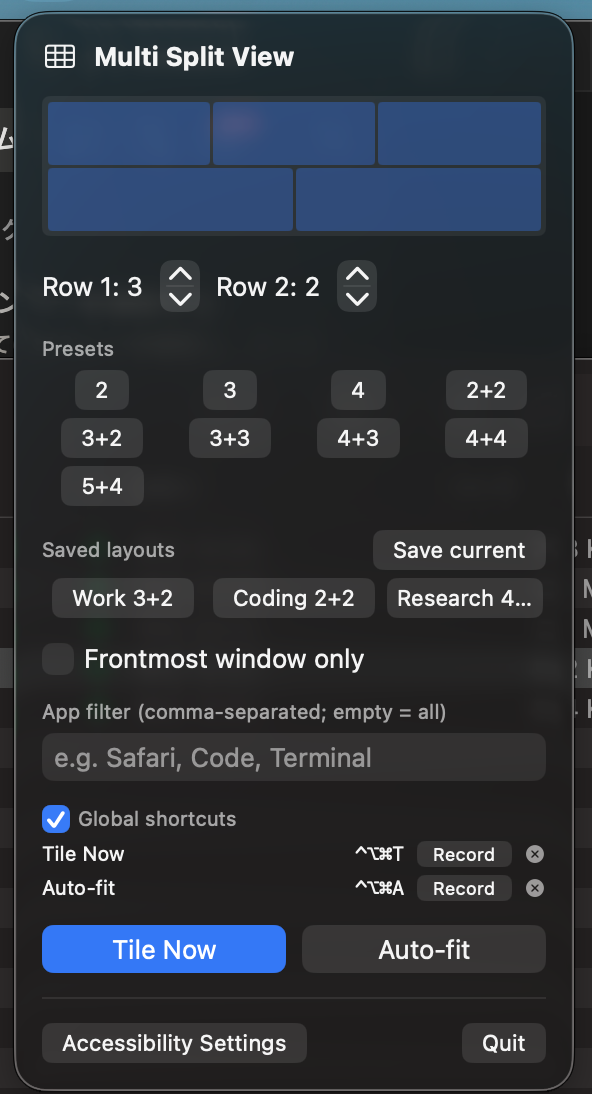
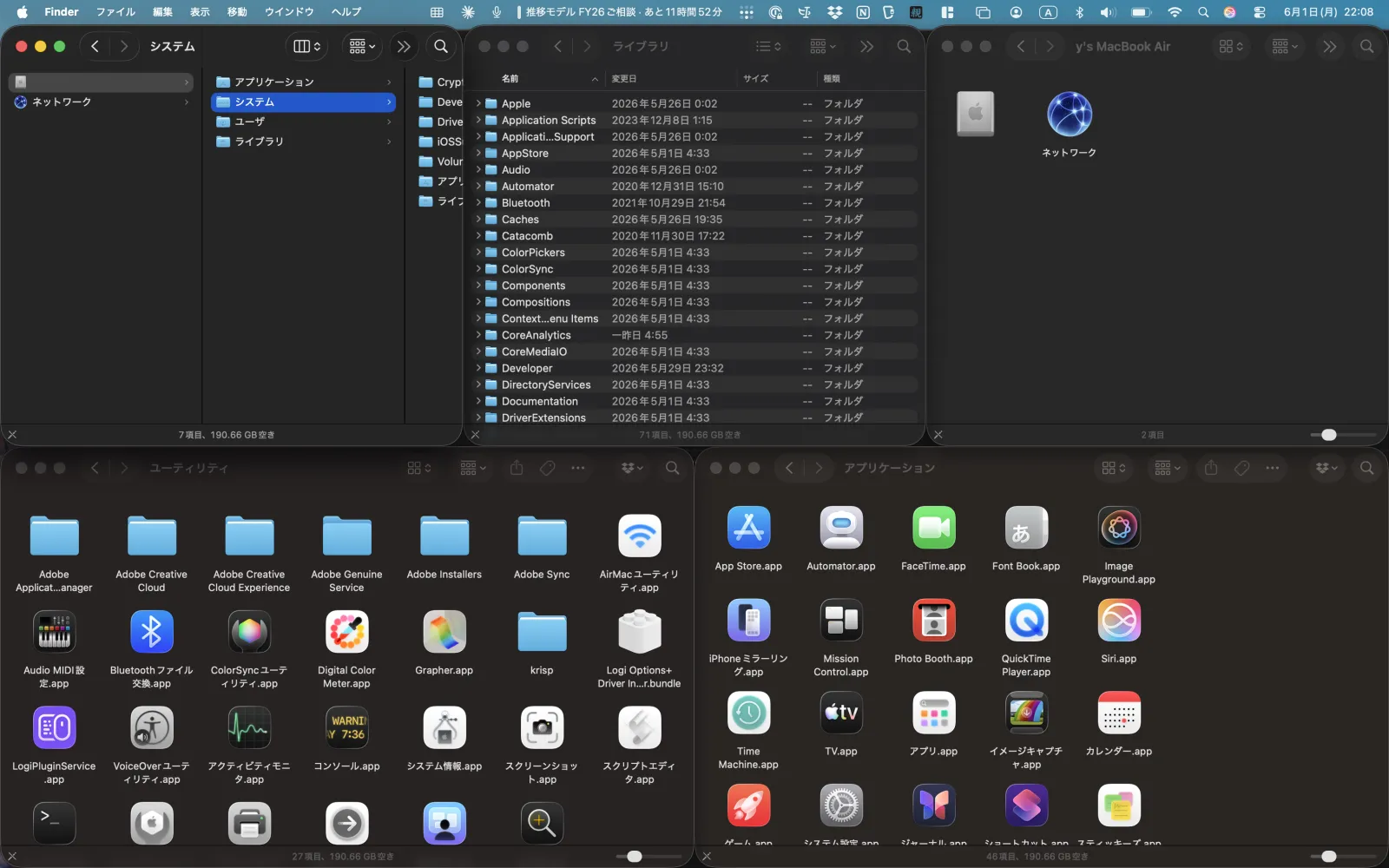
Multi Split View arranges your open app windows into clean grids — including asymmetric layouts like 3+2 and 5+4 that pack odd window counts with no empty cells. Tile in one click, then drag the boundaries to land the exact split.
Most tools snap to halves and quarters. Multi Split View specializes in asymmetric grids and live, drag-to-rebalance control.
3+2, 4+3, 5+4… odd window counts fill the screen with no empty cells.
Picks the best layout for your window count and display aspect ratio.
Drag the gutters to resize, or ⌥-drag a pane onto another to swap — or onto an empty cell to move it.
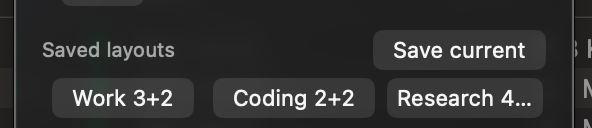
Name and recall your favorite arrangements; they persist across launches.
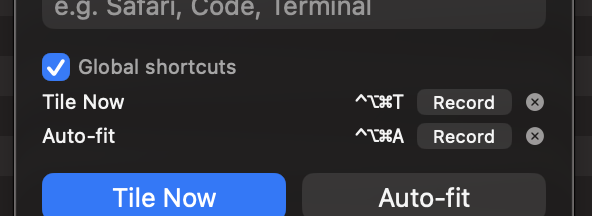
Tile or auto-fit system-wide without ever opening the menu.
Accessibility permission only. No data collection — the only network call is the license check.
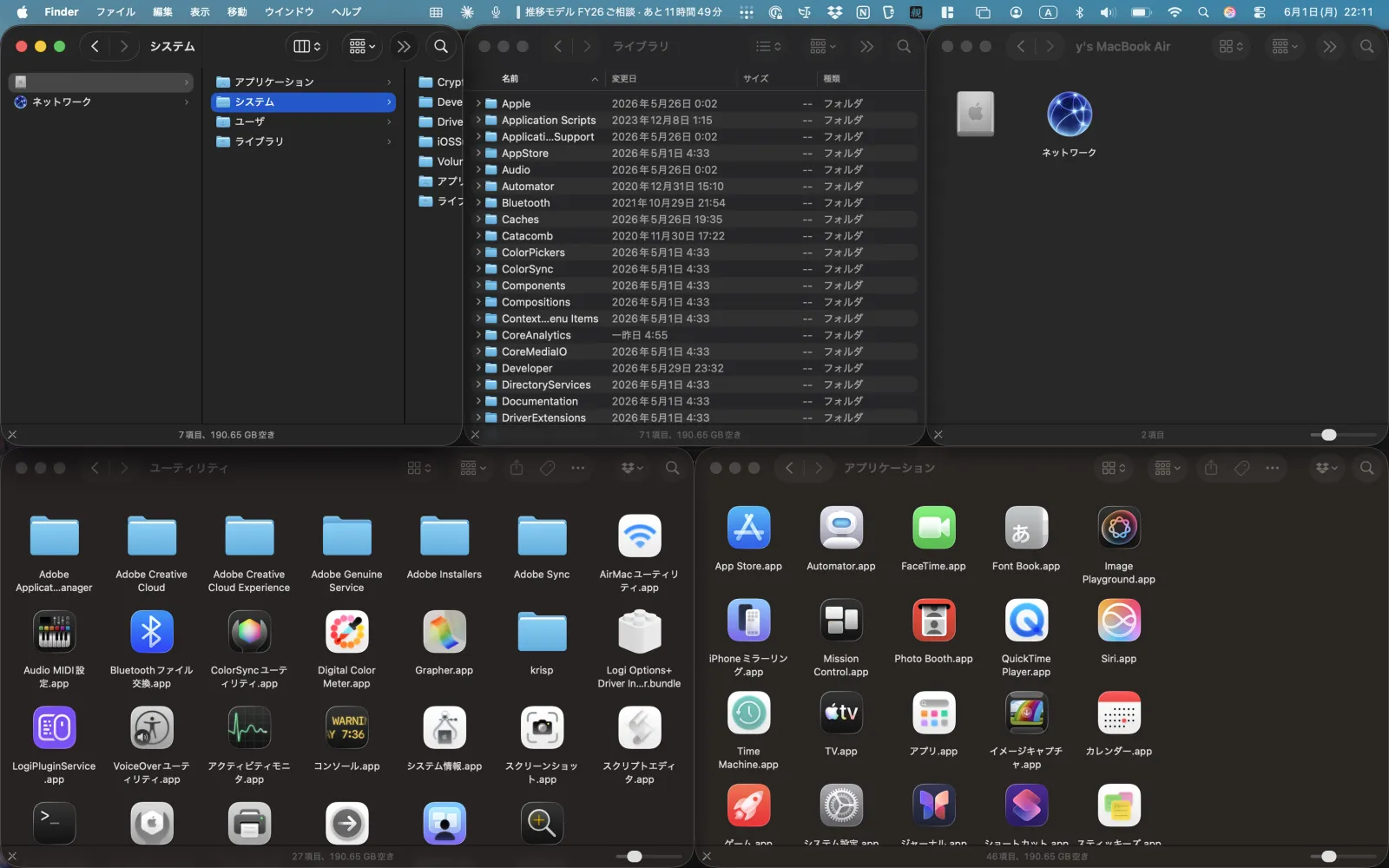
Captured from the app.
Try Multi Split View free for 14 days, then buy a license to keep tiling. One app, one price — no subscription. Notarized direct download.
 yTools