 yTools
PDF
Annotate PDFs naturally
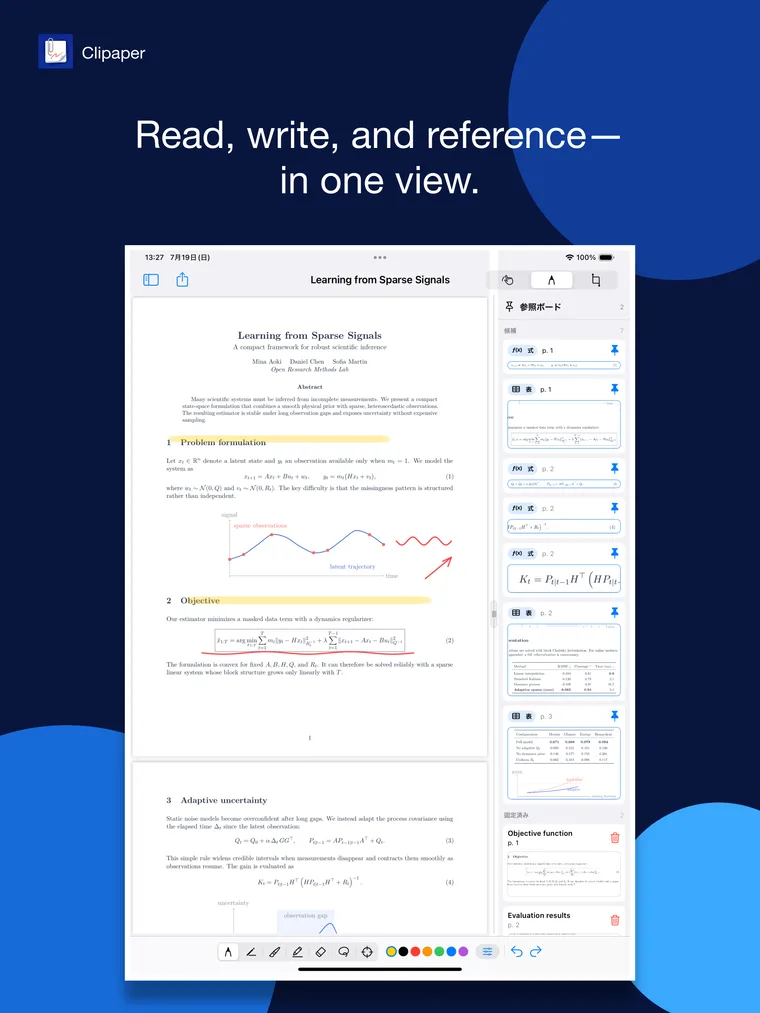
Use pens, highlighters, an eraser, lasso, and shape recognition with Apple Pencil.
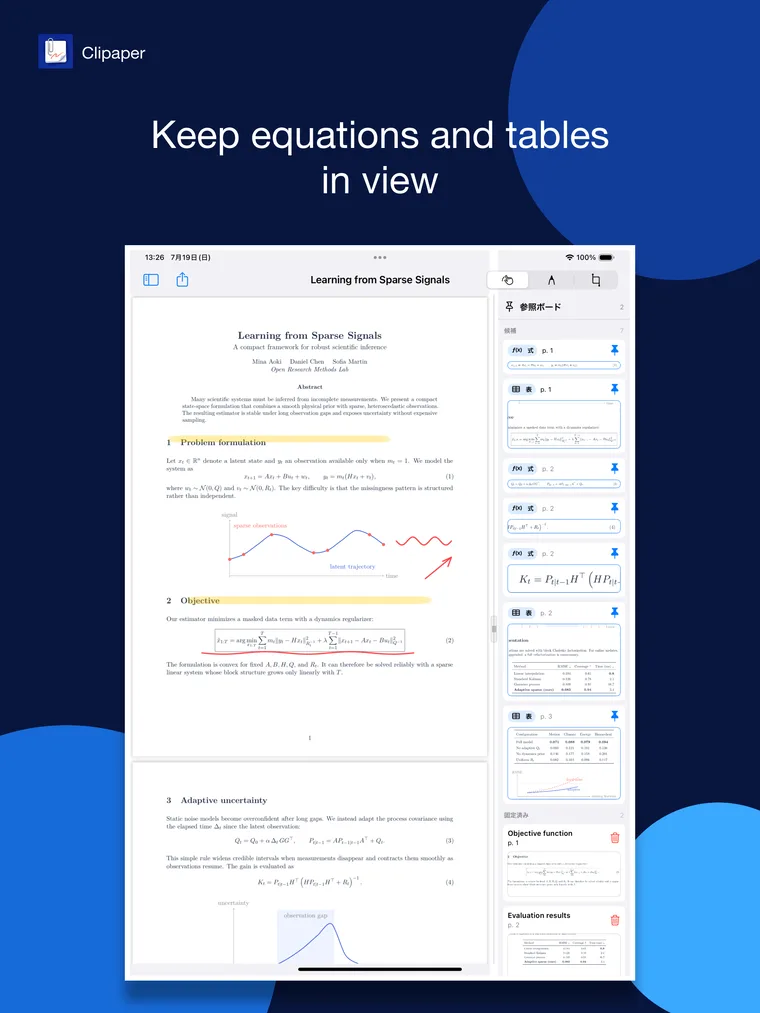
Read PDFs, annotate with Apple Pencil, and pin important equations or tables to a reference board. Stay focused without switching between reading and writing.
Keep source material and your own thinking together in one uninterrupted workspace.
Use pens, highlighters, an eraser, lasso, and shape recognition with Apple Pencil.
Clip and pin important equations or tables so they remain visible while you move through the document.
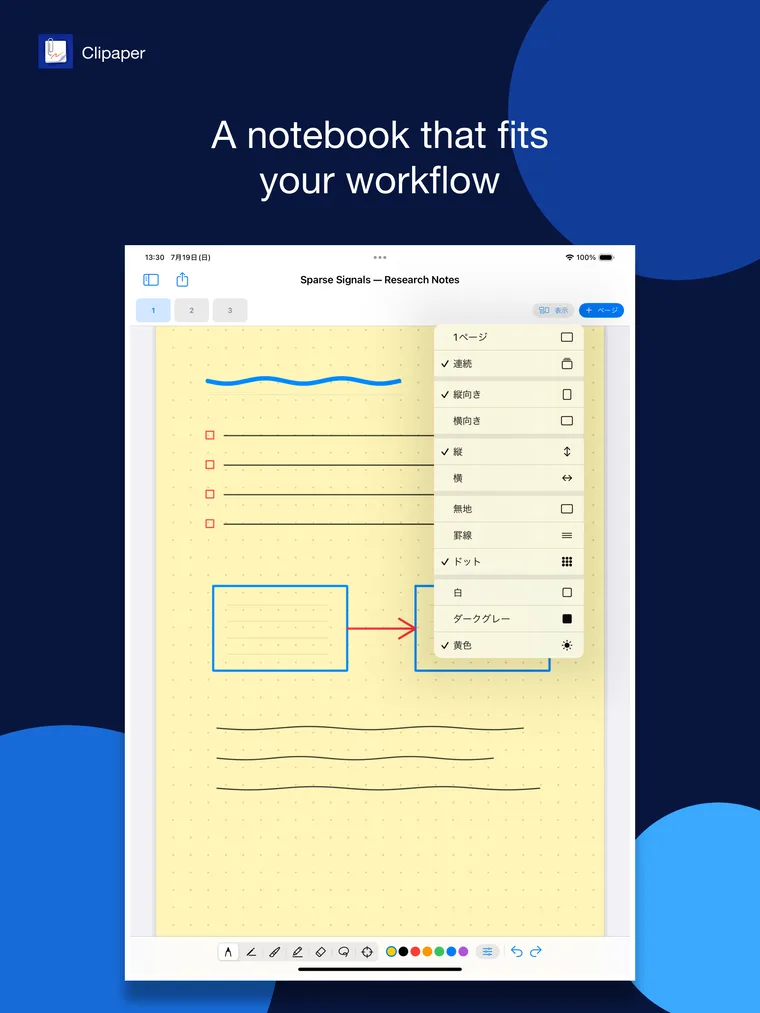
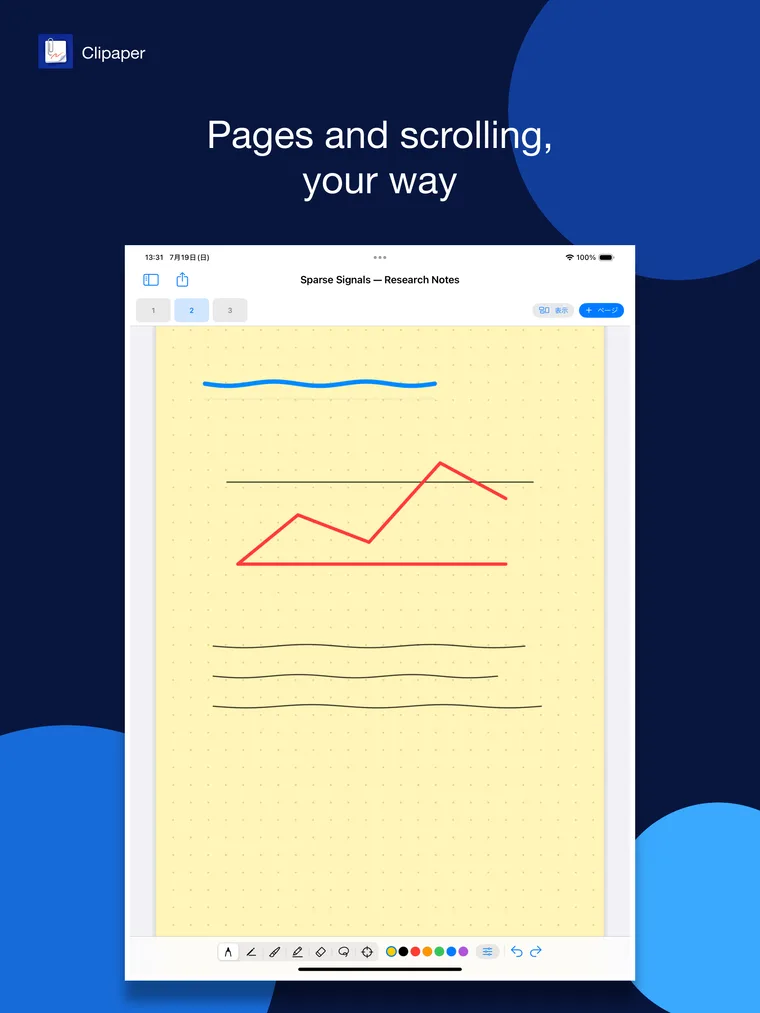
Choose paper style, color, orientation, page display, and scrolling to fit the way you work.
Sync PDFs, notebooks, handwriting, and reference-board content between your devices through your own iCloud.
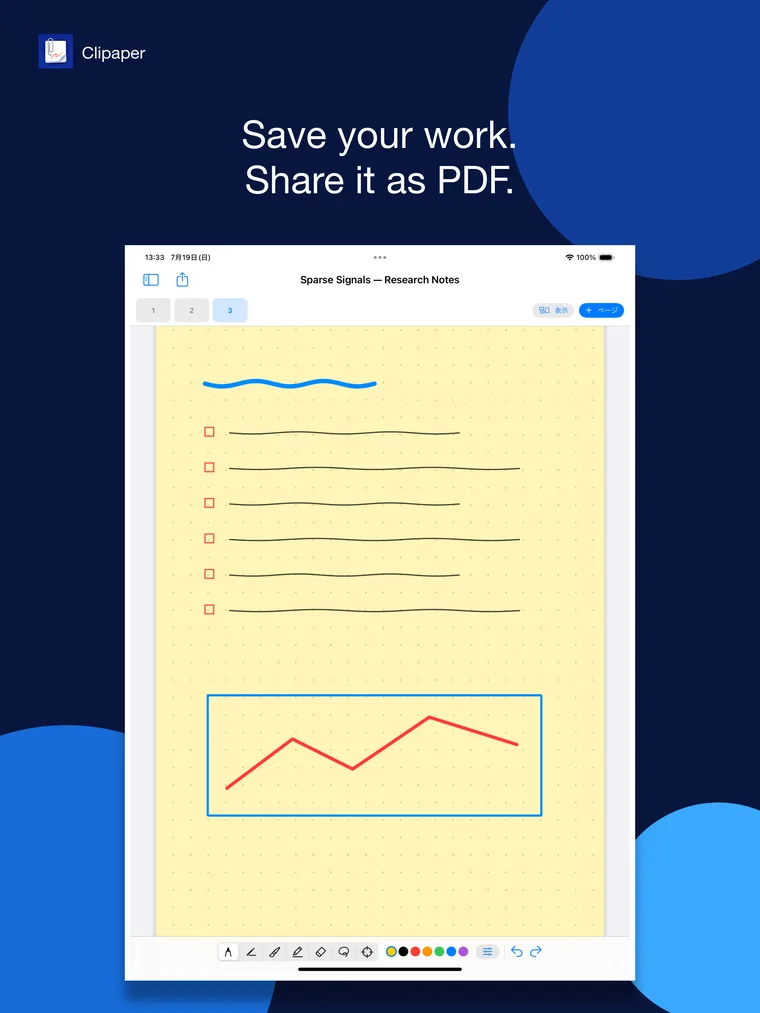
Export annotated documents and notebooks as PDFs and share them with other apps.
No Clipaper account, ads, analytics, or tracking. Your data stays on your device or in your own iCloud.
Demo screens use fictional research material and show PDFs, the reference board, and notebooks working together.
¥1,200, one-time. No account, no ads, and no tracking.