 yTools
iPhone · Free
Build the room.
Pull the gacha.
Lay out desks, type names, tap once. A drum-roll roulette assigns seats one by one — for classrooms, labs, and offices that are tired of drawing paper lots.
Get on the App Store — Free01
Desks you can
actually place
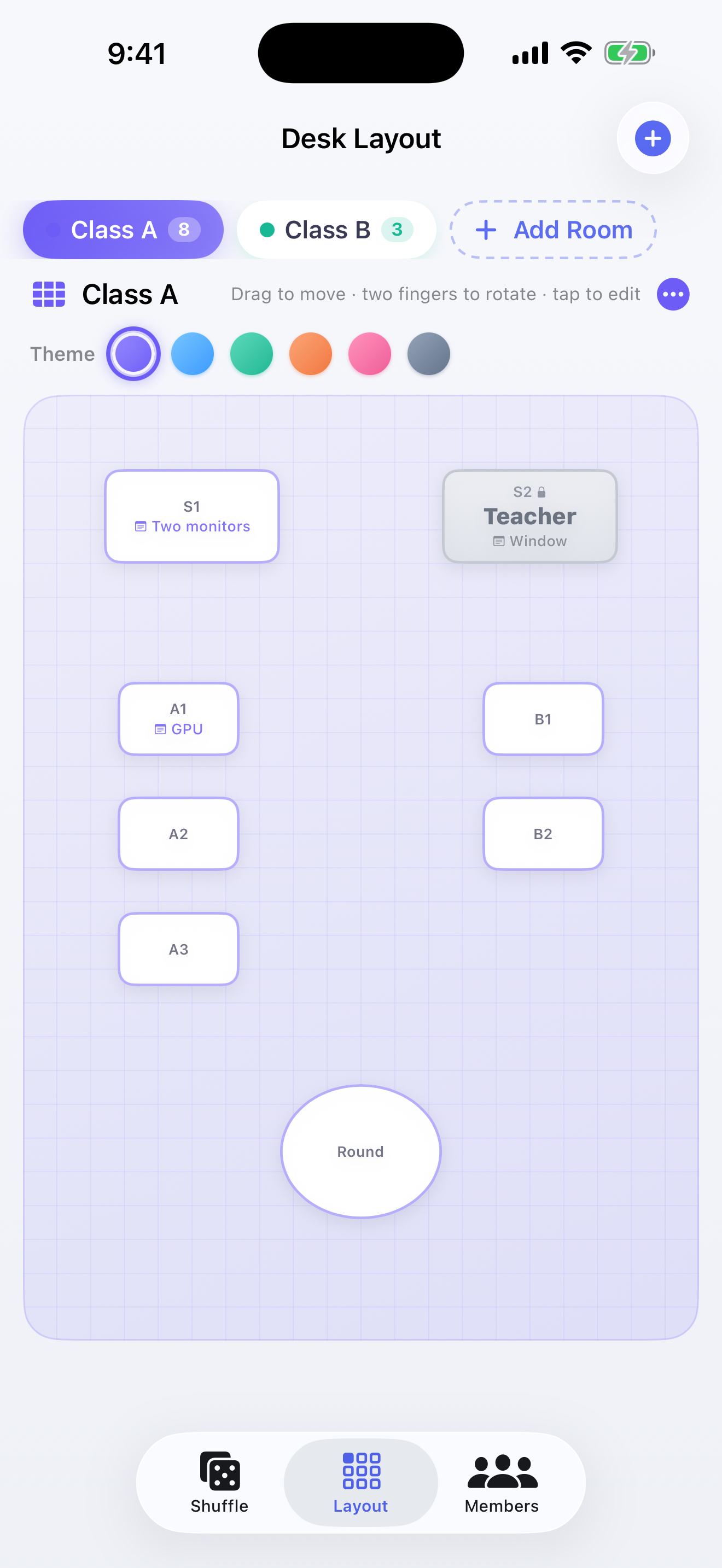
Drop large or medium desks, snap to a grid, drag them around. Twist with two fingers to rotate in 5° steps — or use the slider in the desk sheet.
- Shape and sizeSquare, rounded, or oval. Width, depth, and a name on the desk.
- Memos on the seat“Dual monitors” or “window” sits on the desk so the layout remembers the room.
- Hold some seatsExclude a desk from the shuffle — a fixed person can still show on it.
02
Names in a list.
Counts in view.
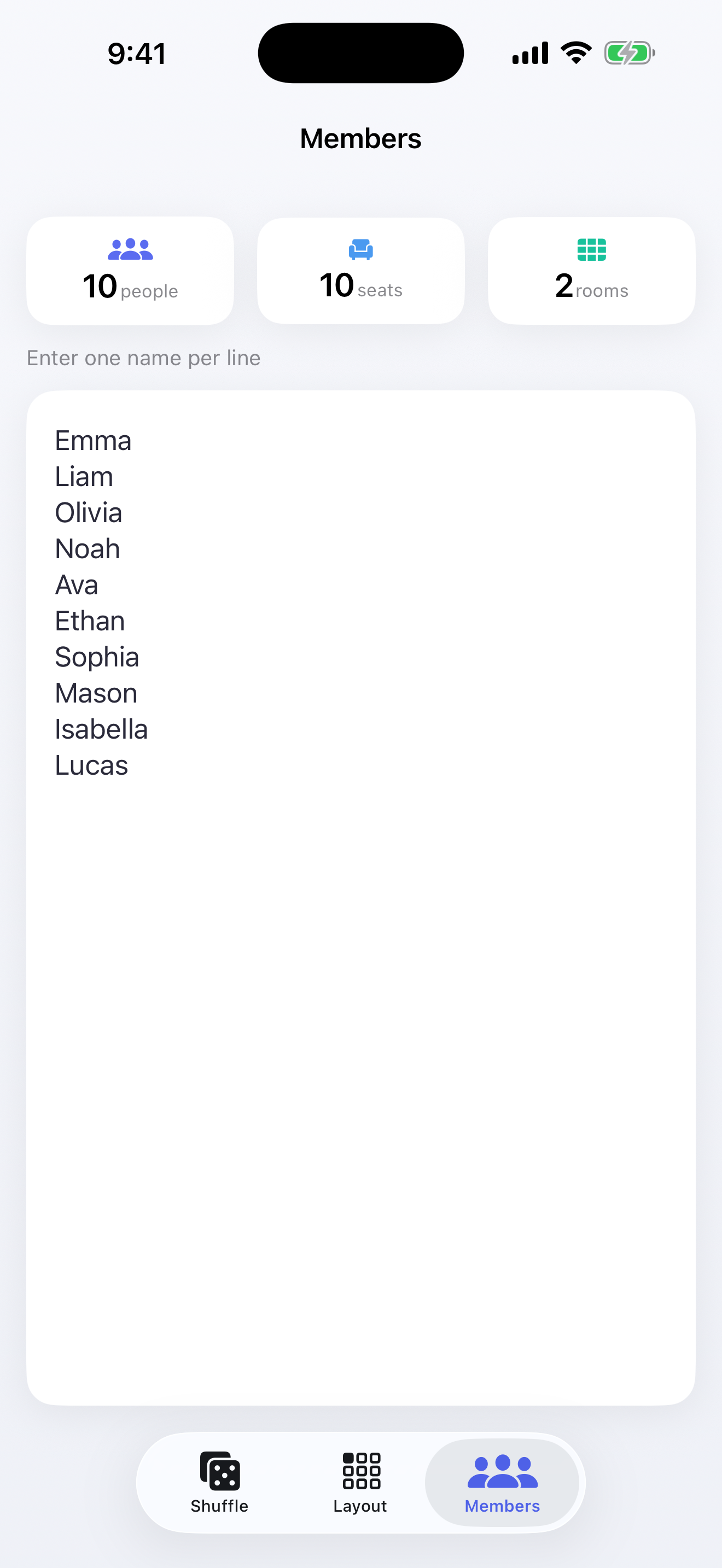
One name per line. The screen shows how many people, how many eligible seats, and how many rooms you have set up.
- Many roomsName 801 and 804, switch with chips at the top, shuffle every room together.
- A color per roomSix themes (violet, sky, green, sunset, sakura, slate) tint that room’s desks.
- Saved as JSONRooms, desks, members, and the last result reload on the next launch.
03
A drum roll,
seat by seat
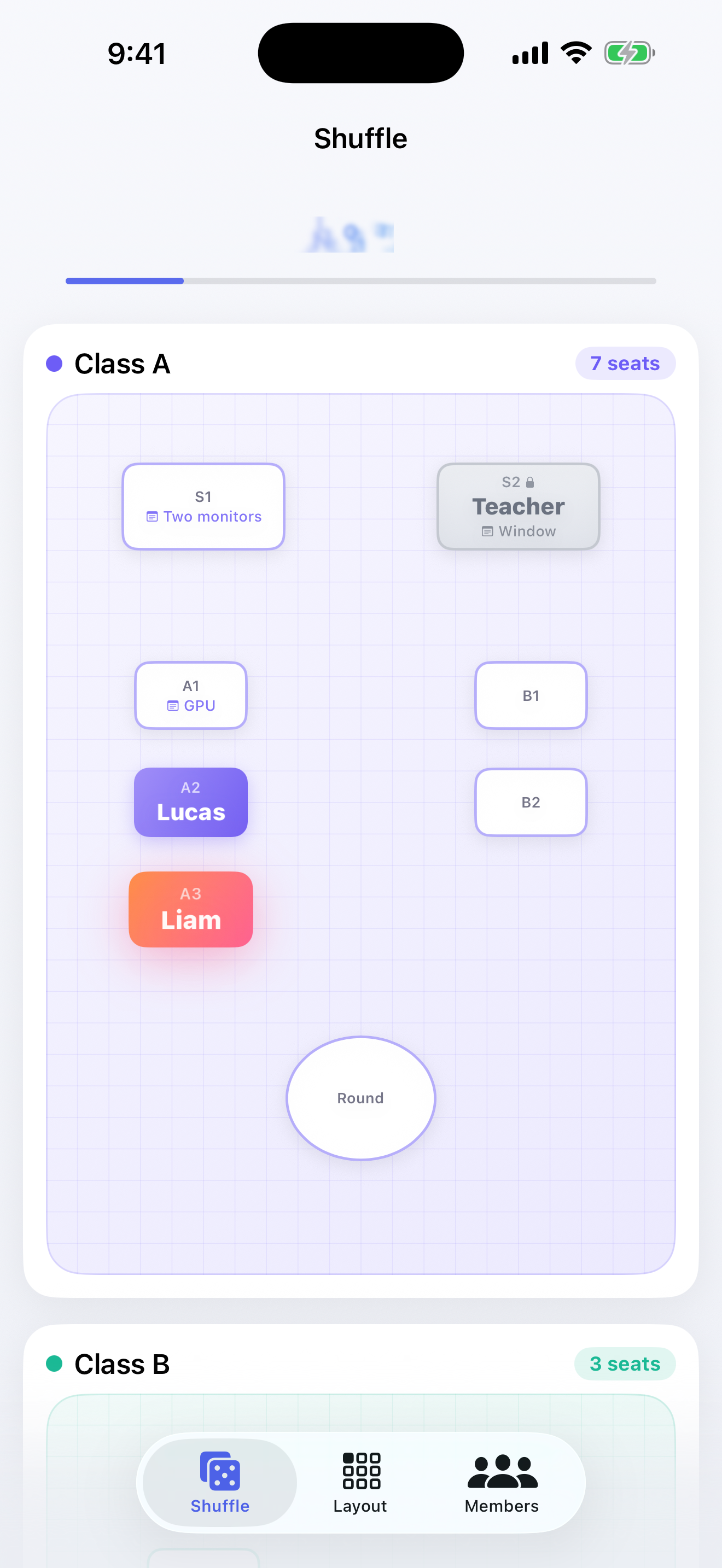
The gacha is the point. Names spin with sound and haptics until a desk locks. Skip if the room just wants the result.
- RouletteOne assignment at a time so the room can watch.
- Sound and hapticsTick, decision, fanfare — bundled WAV plus the Taptic Engine.
- Skip to the endA skip control fills remaining seats without the ceremony.
04
The room,
after the pull
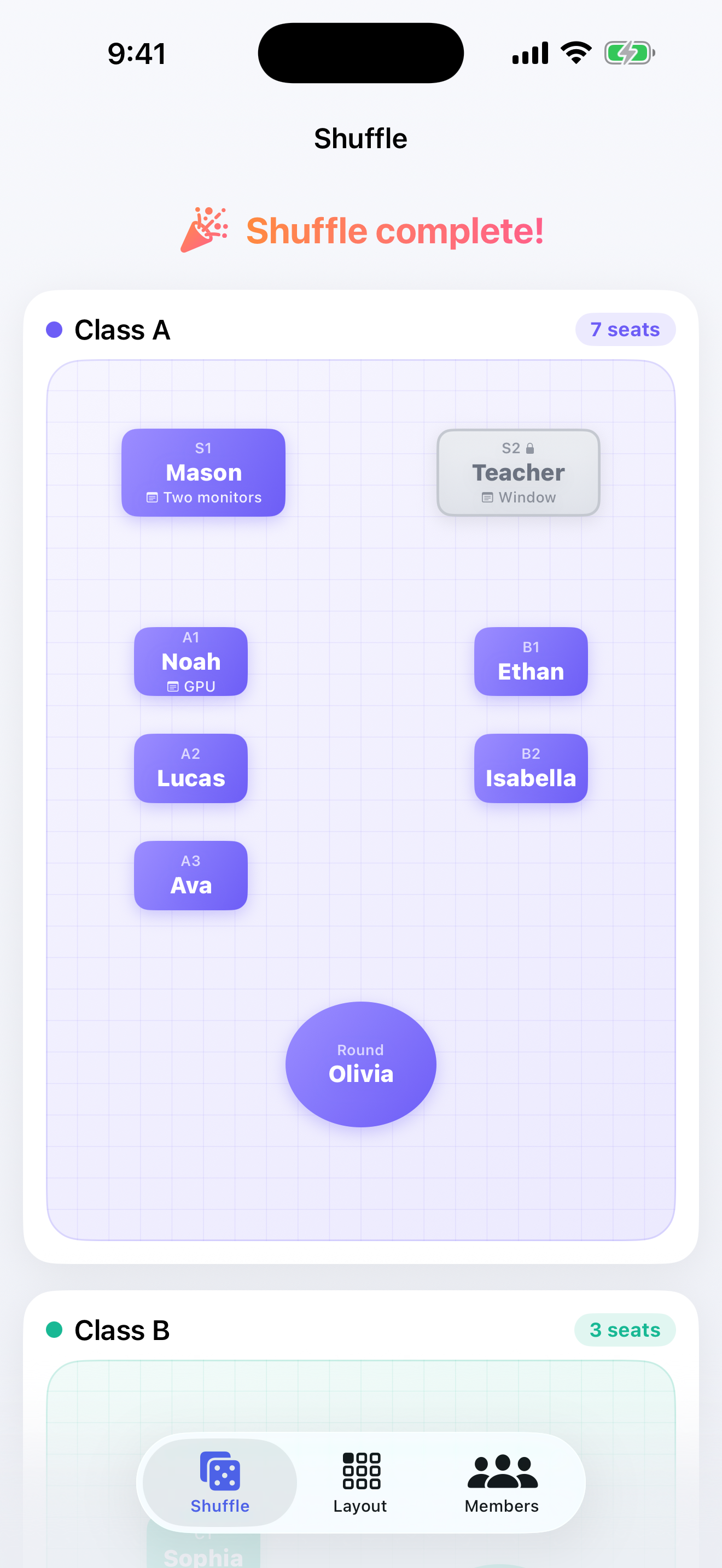
Filled desks pick up a gradient so the new map is readable from the back of the class. Shuffle again whenever the roster changes.
- Readable mapAssigned seats keep the room theme and a clear name.
- Seven languagesJapanese, English, German, Spanish, French, Korean, Simplified Chinese — follows the device.
- FreeNo account. Layouts stay on the phone.
Make the next
shuffle a show.
Free on the App Store. Build the room once, keep the names, pull whenever you need a new map.
- 1 Draw the desks Add a room, drop desks, rotate, exclude the ones that should not move.
- 2 Paste the roster One name per line. Check people vs. seats before you pull.
- 3 Run the gacha Watch the drum roll, or skip straight to the map.